
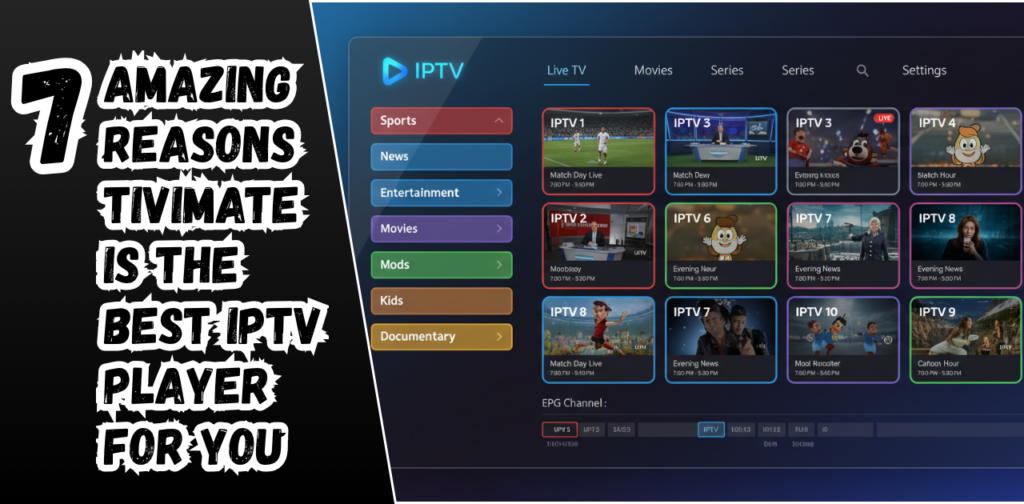
If you have ever tried streaming live TV using an IPTV service, you already know one thing for sure. The quality of your streaming experience depends heavily on the player you use. You can have the best IPTV provider in the world but if the app managing your channels is slow or messy, everything falls apart. So let’s see the 7 amazing reasons TiviMate is the best IPTV player for you.
This is exactly where TiviMate enters the picture. TiviMate has become one of the most loved IPTV players across the globe and for very good reasons. It delivers smooth performance, an excellent viewing layout and powerful tools that make your live TV experience feel premium.
Today you are going to discover the seven amazing reasons TiviMate might be the perfect IPTV player for you. Whether you are just getting started with IPTV or you have been streaming for years, this guide will help you understand exactly why so many users refuse to switch to anything else.
Before we dive in, remember something important. TiviMate player services are one of the best. It does not include channels or content. You need to add your own IPTV playlist or subscription. Once you do that, TiviMate handles everything with incredible ease.
Let us explore why users absolutely love this app.
What Makes TiviMate Stand Out From Other IPTV Players
There are tons of IPTV players today but very few come close to the quality, stability and simplicity that TiviMate service offers. Most players feel outdated or have confusing menus that take forever to understand. TiviMate solves all of that by giving you a modern design that feels similar to the premium streaming apps you already know.
Here is why people prefer it over other IPTV players.
- It is designed especially for Android TV devices
- It looks clean and modern
- It can handle large playlists smoothly
- It offers tools that many other players completely ignore
- It gives you full freedom to customize the way your channels appear
All of this combines to create a viewing experience that just feels right.
How TiviMate Actually Works
TiviMate does not provide channels and it does not sell IPTV subscriptions. Think of it the same way you think of video players like VLC or MX Player. They do not provide movies. They only play whatever you load into them.
You simply add your IPTV playlist using either of the two formats:
- M3U playlist
- Xtream Codes API
Once added, TiviMate loads your live TV channels, movies and series into its beautiful user interface. The setup process is quick and easy even if you are a beginner.
There are two versions of TiviMate
- A free version with limited features
- A premium version that unlocks the most powerful tools
The premium version is where TiviMate becomes truly outstanding. Later in the article, you will learn why upgrading is worth it.
Now it is time for the main part. The seven outstanding reasons users absolutely love TiviMate.
The 7 Amazing Reasons TiviMate Is the Best IPTV Player for You
- A Beautiful and Easy to Navigate Interface
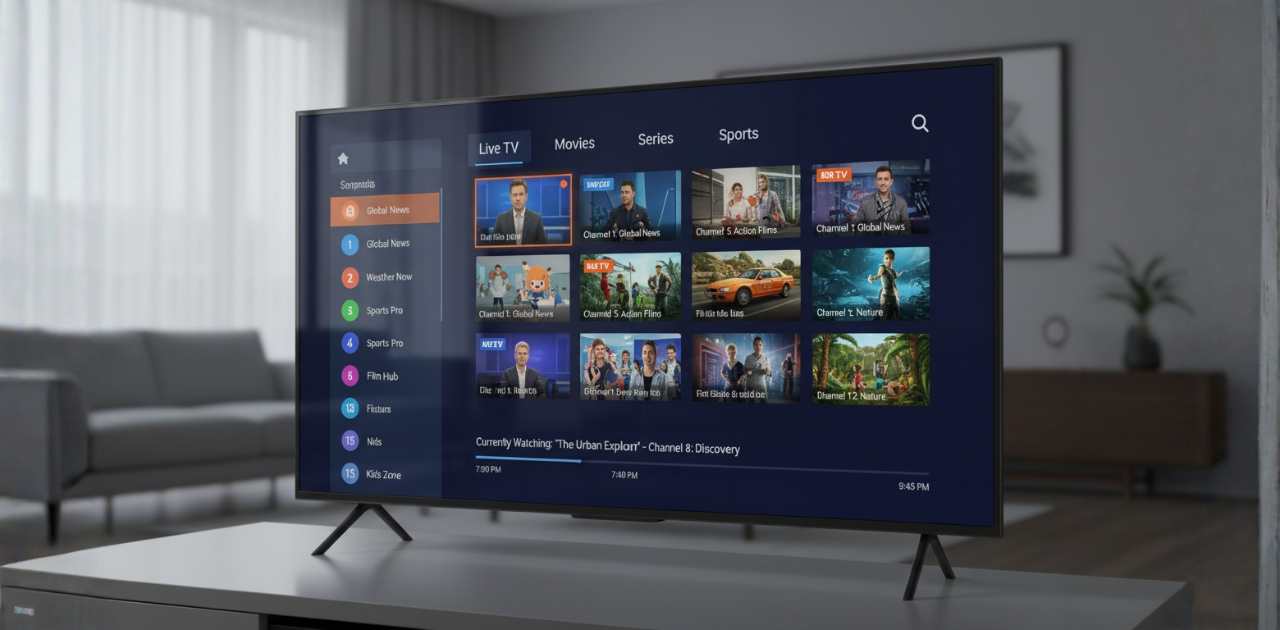
The very first thing you notice about TiviMate is its design. Everything looks clean and organized which makes browsing channels incredibly simple. Instead of jumping through complicated menus you can smoothly move from live TV to movies to shows.
The interface also loads fast which means no annoying delays. Whether you are switching between channels or browsing through categories you always get a smooth and enjoyable experience.
This is especially helpful if you have children or elders at home. The layout is so easy that anyone can use it without confusion.
- Powerful EPG and Channel Management Tools
Nothing ruins IPTV faster than a bad EPG. TiviMate handles this beautifully with one of the best electronic program guides available today. You can view programs in a simple timeline layout, check what is coming next and scroll through hundreds of channels effortlessly.
That is not all. TiviMate also gives you full control over your entire channel list. You can:
- Rearrange channels in any order
- Create custom channel groups
- Hide channels you do not want
- Rename anything
- Sort channels for quick access
These features make large playlists much easier to manage. If your provider gives you thousands of channels, TiviMate helps you keep everything neat and organized.
- Multi Playlist Support for Multiple IPTV Subscriptions
Many users have more than one IPTV provider. Some use one for sports, another for entertainment and another for international channels. Most IPTV players do not support multiple playlists which forces you to switch apps.
TiviMate solves this with multi playlist support. You can add as many playlists as you want into the same app. The best part is how smoothly TiviMate blends everything into the same interface.
You can even enable or disable playlists whenever you want. For users with multiple IPTV subscriptions, this feature alone is a giant advantage.
- Built in Recording and Catch up Support
Imagine watching live TV and wanting to save something for later. TiviMate gives you the ability to record directly from the app. It feels similar to using a DVR on a cable box.
You can:
- Record live channels
- Schedule recordings
- Save programs for later
If your IPTV provider supports catch up you can also rewatch programs that were broadcast earlier. This is perfect for sports fans and news watchers who miss important broadcasts.
Having these features inside your IPTV player makes your streaming experience feel premium and convenient.
- Multi View Mode to Watch Multiple Channels at Once
This is where TiviMate becomes truly exciting. Multi view mode allows you to watch more than one channel on your screen at the same time. This feature is a dream for sports lovers.
Imagine watching two or even three live matches simultaneously without switching channels. You can resize each window, change layouts and keep track of everything happening live.
Most IPTV players do not even come close to offering something like this. It is one of the reasons many sports fans call TiviMate the best IPTV player available today.
- TiviMate Premium Unlocks Exclusive Advanced Features
The free version of TiviMate is good but the premium version is where the real magic happens. It includes features that completely transform the way you watch IPTV.
With TiviMate premium you get:
- Backup and restore tools
- A more advanced EPG
- Auto frame rate switching
- Favorite category management
- Multi device support
- Unlimited playlists
- Special view modes
- Advanced channel editing
If you are serious about IPTV, upgrading to premium is easily one of the best decisions you can make. Many users say they would never use any other player again after switching to premium.
- Excellent Performance and Fast Streaming Stability
A player is only as good as its performance and this is another area where TiviMate shines. It is lightweight and optimized so even devices like Firestick run it smoothly.
You will experience:
- Fast channel switching
- Minimal buffering
- Smooth playback
- Stable performance even with large playlists
- Quick loading time
This level of performance is what makes TiviMate so reliable. You get a viewing experience that feels closer to traditional cable TV but with better control and customization.
Advantages of Using TiviMate as Your IPTV Player
Let us highlight the overall benefits that make TiviMate stand out.
- It offers a clean and modern interface
- It supports huge playlists without lag
- It works smoothly even on older devices
- It has strong performance for long hours of streaming
- It gives you complete control of your channels
- It supports multiple subscriptions
- Its advanced features put it ahead of most players
Whether you are a casual viewer or a power user TiviMate delivers exactly what you need.
Devices That Support TiviMate
You can use TiviMate on almost any device that runs Android. Here are the most common ones.
- Android TV
- Firestick
- NVidia Shield
- Android boxes
- Android phones
- Android tablets
If your device is built on Android, there is a high chance TiviMate will work smoothly on it.
How to Install TiviMate on Android TV and Firestick
Setting up TiviMate is very easy. Here is a simple overview of the process.
- On Android TV
- Go to the Google Play Store
- Search for TiviMate
- Install the app
- Open it and add your IPTV playlist
- On Firestick
- Open the app store
- Search for TiviMate
- Install it
- Launch the app
- Add your playlist using either M3U or Xtream Codes
The setup is very beginner friendly and takes only a couple of minutes.
Is TiviMate Safe and Legal
TiviMate by itself is completely legal. It is only a player and does not store or distribute content. The legality depends entirely on the IPTV service you add to it. Always choose legal and licensed IPTV providers to stay on the safe side.
Final Thoughts
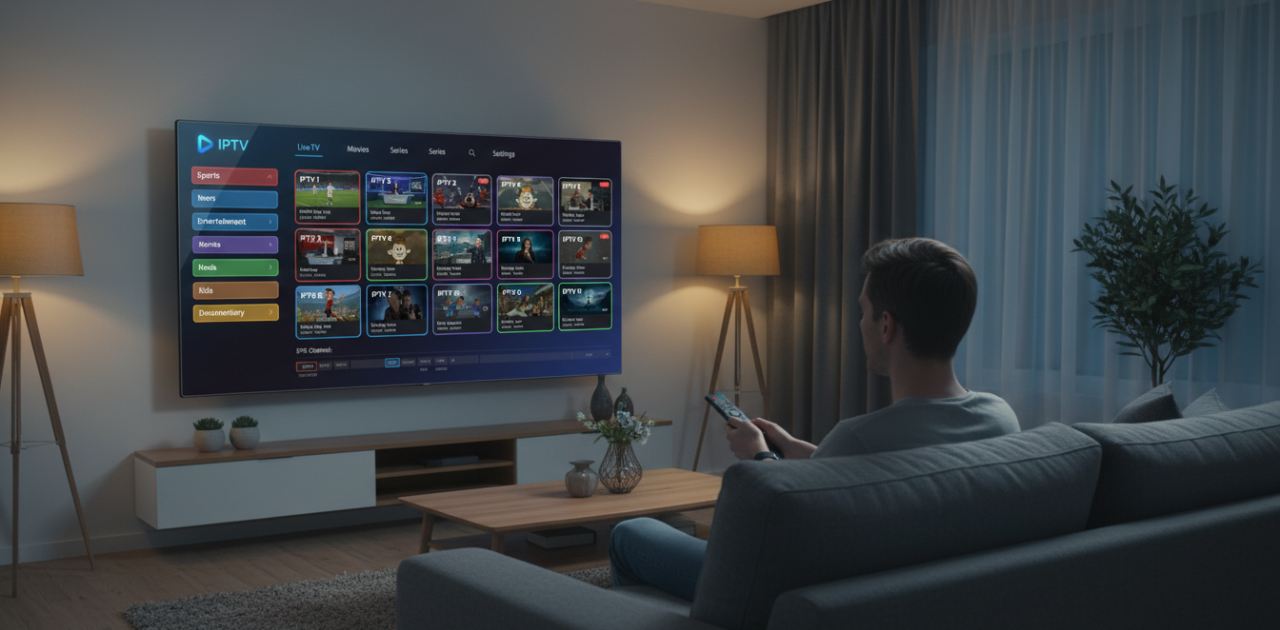
TiviMate has rightly earned its reputation as one of the best IPTV players available today. It offers powerful tools, excellent customization, fast performance and a user interface that makes everything feel simple and enjoyable.
If you want a smooth and premium live TV experience, TiviMate is undoubtedly a top choice.
At the end of the day, if you want a stable and high-quality home streaming experience, you can check out our
5 Ultimate Tips for a Stunning Home Streaming Setup.
FAQs:
- Is TiviMate Free?
Yes it offers a free version but many of the best features are available only in TiviMate premium.
- Does TiviMate include channels?
No it does not. You need to add your own IPTV playlist or subscription.
- Can I use TiviMate on Firestick?
Yes it works perfectly on Firestick and performs very smoothly.
- What is TiviMate Premium?
It is a paid upgrade that unlocks advanced tools like multi view mode unlimited playlists backup restore and many customization options.
- Does TiviMate support M3U PLAYLISTS?
Yes it fully supports M3U and Xtream Codes.
- Is TiviMate Safe?
Yes as an application it is safe. Just make sure to use a legal IPTV provider.
- Can I install it on multiple devices?
Yes TiviMate premium allows activation across multiple devices depending on your subscription plan.